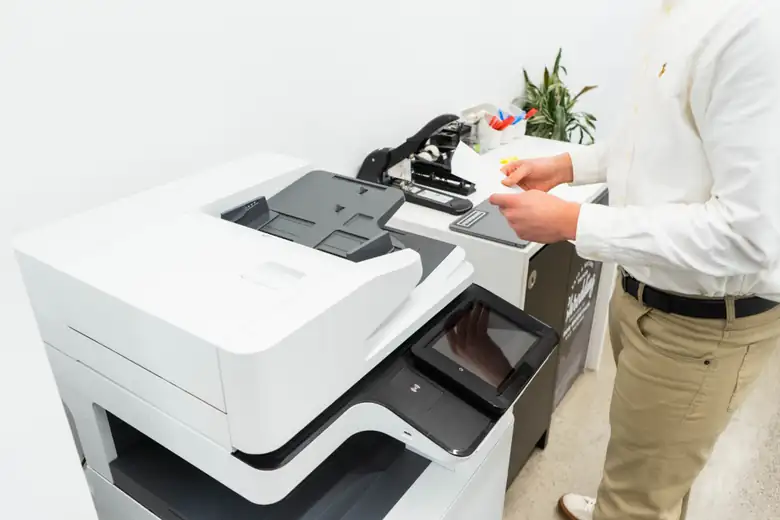
Workspace design
A prioritized view of work, relevant record details and actions your team needs.
AI, CRM & automation
An internal tool fits teams that work across spreadsheets, inboxes and specialist apps. We design around the people who do the work, the decisions they make and the information they need at each handoff.
AI, CRM & automation
Written plan within one to two business days
Overview

Internal tools are the quiet workhorses of a business: the admin panel where orders are checked, the dashboard where managers see today’s numbers, the form where staff log jobs. When they are missing, people improvise with shared spreadsheets and chat threads, and mistakes creep in. A small, well-designed internal tool can remove hours of manual checking every week.
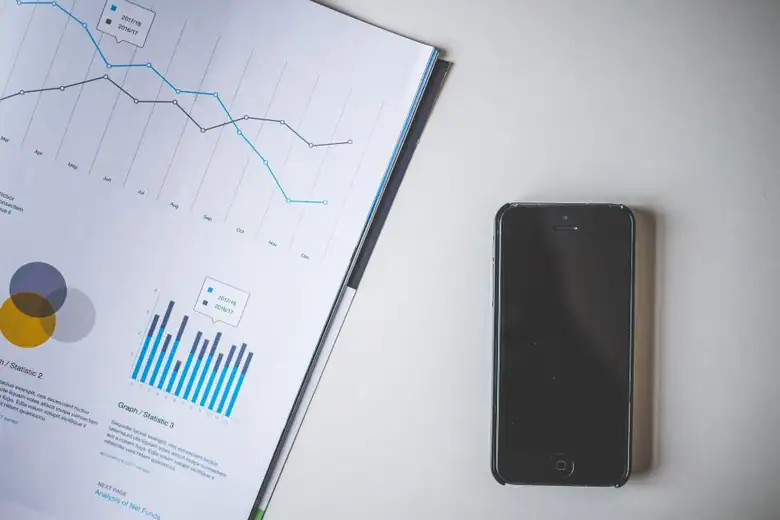
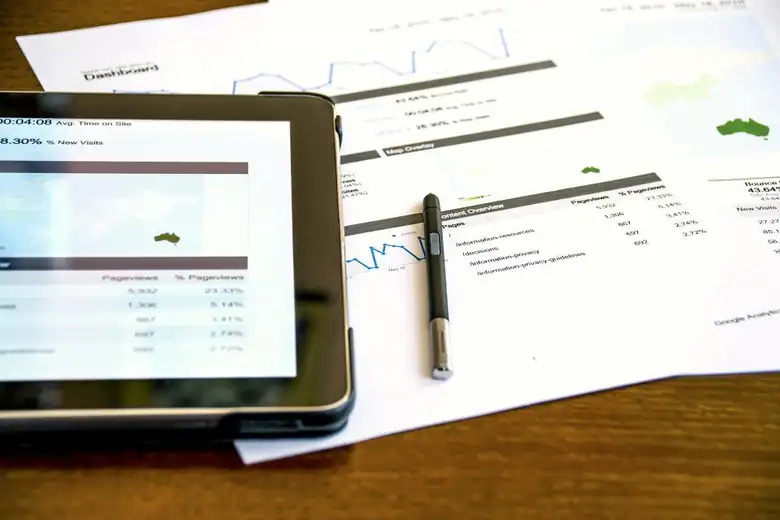
We build internal tools either with low-code platforms such as Retool, Appsmith, Glide or AppSheet when speed matters most, or as lightweight custom web apps when you need full control. Typical examples include order and stock trackers, job and task boards, approval flows, staff timesheets and reporting dashboards that pull data from several systems into one view. Our guide on choosing dashboard metrics shows how we decide what a dashboard should show.
Because internal tools are used daily by the same people, we involve them early. A short session with the staff who will use the tool usually reveals the shortcuts and exceptions that make the difference between a tool people love and one they avoid.
A prioritized view of work, relevant record details and actions your team needs.
Access rules for operators, reviewers and managers across agreed tasks.
Instructions for onboarding users, handling mistakes and updating key settings.
Review several completed cases and identify the actions that slow people down.
Test with a small team using realistic data and gather feedback on missing states.
Train users and confirm when older tools can be retired or kept as a fallback.
Budget & timing

Low-code tools are faster and cheaper to build but carry monthly licence fees per user; custom tools cost more up front but have lower running costs. We compare both options for your case during scoping, including the cost over two or three years.
Typical timeline: Low-code internal tools can be ready in one to three weeks; custom web tools usually take four to eight weeks.
How this is delivered: Specialist development on this service is delivered with a vetted partner developer from our network. Nordvik Digital stays your single point of contact for scope, timelines, quality review and handover, and every partner works under the same confidentiality and access rules.
See starting pricesWe review what each sheet does and move agreed functions into the tool. Some exports or specialist sheets may stay useful.
If the workflow needs it, we can scope an activity log with agreed access and retention.
Yes. Internal tools are designed to work in a mobile browser, and some low-code platforms also provide installable mobile apps.
Access is restricted by role, connections are encrypted and we document where data is stored and who can reach it.
Where it fits
Internal tools are a good fit when staff spend hours each week in spreadsheets, shared inboxes or several admin panels to complete one task such as approving orders, scheduling jobs or reconciling payments. Compared with custom software for customers, internal tools can be simpler in design and faster to ship because the users are your own team.
They often follow a workflow automation pilot that proved the process, and they rely on API integration with existing systems. When managers need oversight, we add a dashboard built on the same data rather than a separate reporting project.
Software & automation

Software & automation
Software & automation

Software & automation
Software & automation

Software & automation
Write down your goal, constraints and the result you want to see.