Staging environment
A password-protected copy with a simple process to push changes live.
Hosting & operations
Three simple safety nets prevent most website disasters: a staging copy for testing, backups stored somewhere else, and monitoring that alerts you when something breaks.

Hosting & operations
Written plan within one to two business days
Hosting & operations
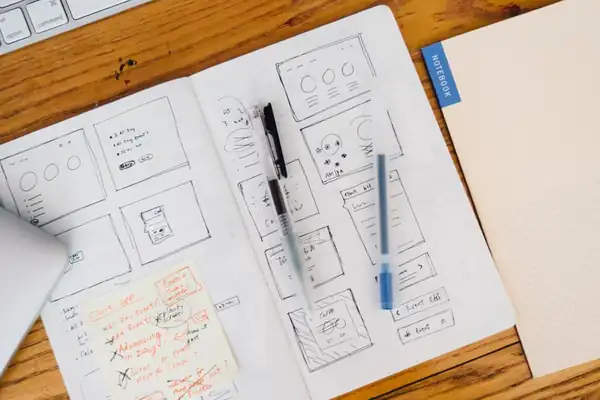
Editing a live website is like repairing a car while driving it. A plugin update, a theme tweak or a new tracking script can break checkout or the contact form, and visitors see it immediately. A staging site is a private copy where changes are tested first and then pushed live when they work.
Backups are only useful if they are recent, stored away from the server and actually restorable. We set up daily automated backups to separate cloud storage, keep several weeks of history and test a restore so you know it works. Many hosts include backups, but they usually live on the same server that might fail.
Monitoring watches the site around the clock: uptime checks every few minutes, SSL and domain expiry warnings, and synthetic tests that submit your contact form to confirm leads still arrive. Alerts go to email or WhatsApp. This setup is included in our care plans.
A password-protected copy with a simple process to push changes live.
Daily backups of files and database to cloud storage, with retention.
Uptime, SSL, domain and form checks with alerts to the right person.
Step-by-step instructions to recover the site, tested once.
Check what your host already provides and where gaps are.
Create the copy, protect it and document the deploy process.
Schedule backups off-site and test a restore.
Configure checks and alert routes, then run a test alert.
Working together
You can test any change safely on staging, restore the site from a backup in minutes and hear about downtime before customers complain. Backups are tested, not just taken, and monitoring covers forms and checkout, not only the homepage.
Illustrative scenario
A plugin update on a small store breaks the checkout button on mobile. Because updates run on staging first, the problem is spotted during testing and the update is held back. On another site, the form monitor fails at 9 p.m.; the alert arrives within five minutes and the cause, an expired mail password, is fixed before the next morning’s leads arrive.
Illustrative scenario, not a client case study.
Option 1
Staging, off-site backups and uptime monitoring.
Option 2
Adds form and checkout checks and error tracking.
Option 3
Monthly restore tests and reporting.
Budget & timing

Typical timeline: Usually two to four working days, depending on hosting access and site size.
Tools we often use:
Want a rough number first? Try the project cost calculator.
Many do, but often on the same server and with short retention. Off-site copies protect you if the host has a problem.
Usually yes. Many hosts, including Hostinger, include one-click staging; otherwise a plugin can do it.
Whoever you choose: your team, us, or both. On care plans we respond to alerts.
We typically keep 30 daily backups and a few monthly ones, adjusted to your storage.
Daily for most sites, more often for busy stores or sites with frequent changes.
Off-site, in storage separate from your hosting, such as S3-compatible buckets.

Design & commerce

Design & commerce

Design & commerce

Design & commerce

Design & commerce

Design & commerce
Book a 30-minute founder call and get a short written plan afterwards.